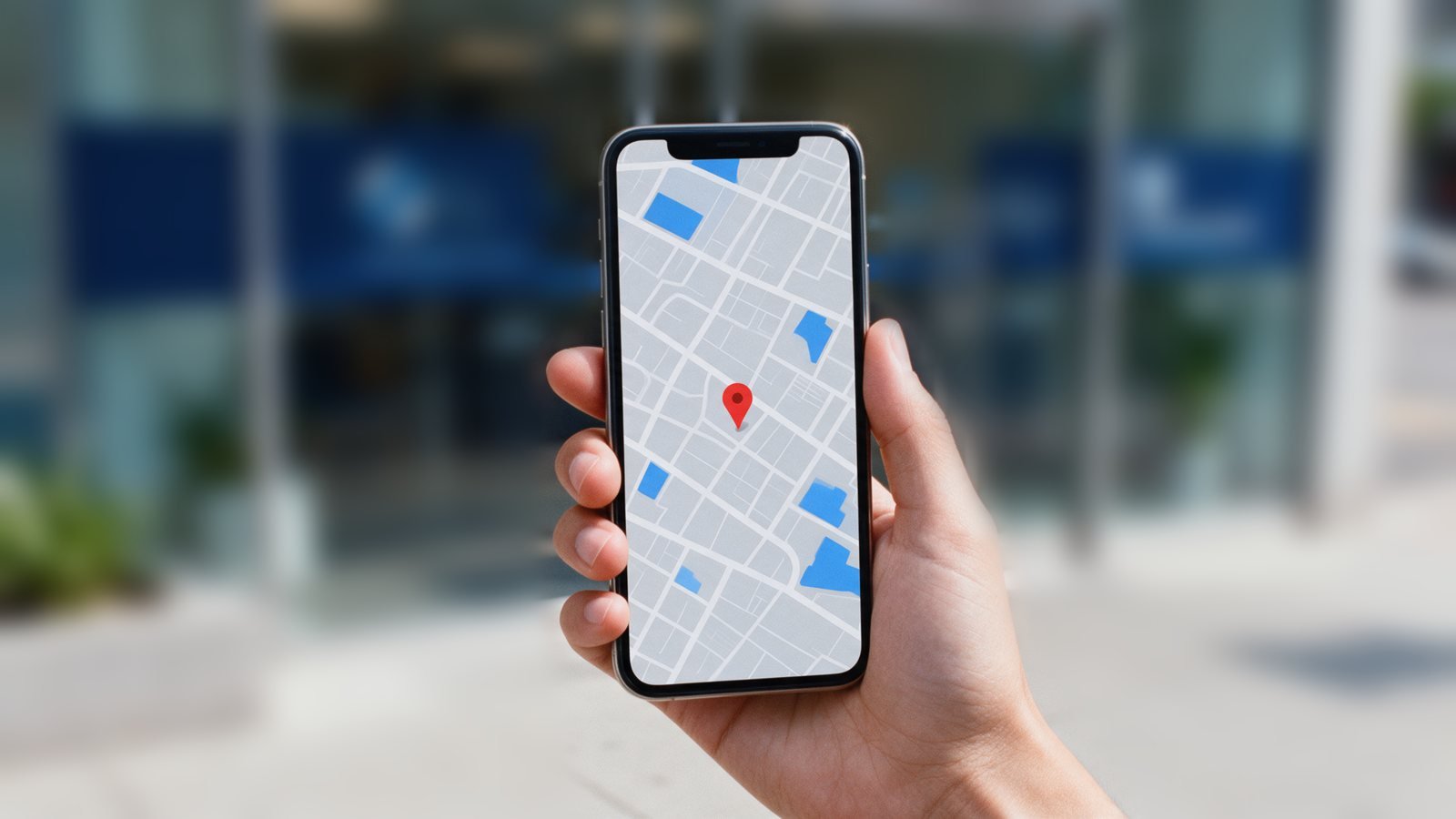
When someone searches for "dermatologist near me" or "paediatrician in Passo Fundo", the first results are almost always a map with three practices. Those three get a large share of the calls and messages. The practices that appear there have a complete, well-maintained Google Business Profile.
What is a Google Business Profile?
It is your practice’s listing on Google Maps and Google Search, with your address, hours, phone number, photos and reviews. It used to be called Google My Business. It is free, and it is the tool that brings in the most patients from your own city.
Create or claim your practice’s profile
Many practices already have a profile created automatically by Google or by patients, with nobody managing it. Search for your practice’s name on Google Maps. If the listing exists, use the option to claim it. If it does not, create one at business.google.com. Either way, Google will ask you to verify it, by video, phone call or postcard.
The details that make a difference
- Real name: use the name of the practice or doctor exactly as it is. Adding words like "best dermatologist" to the name goes against Google’s rules and can get the profile suspended.
- Primary category: choose your specialty, such as Cardiologist or Gynaecologist, and add secondary categories that make sense.
- Exact address: include the suite number and a landmark if it helps patients find you.
- Complete hours: including holidays and days with reduced hours.
- Phone and WhatsApp numbers that someone actually answers.
- Website: a link to your practice’s website, which strengthens the profile in Google’s eyes.
- Real photos: the building’s exterior, entrance, reception and exam room help patients feel at ease before they visit.
Doctors and clinics can have separate profiles
In clinics with several professionals, Google allows one profile for the clinic and individual profiles for each doctor who practises there. That way, people searching for a doctor’s name find that doctor’s profile, and people searching for the specialty may find both.
Reviews: ask, reply and protect confidentiality
Reviews carry a lot of weight in map rankings and in patients’ decisions. Ask satisfied patients to leave a review, ideally with a direct link sent by WhatsApp after the appointment. Google does not allow offering gifts or discounts in exchange for reviews.
Reply to every review, positive or negative, politely. But be careful: medical confidentiality applies there too. Never confirm that the person is your patient or comment on details of an appointment or treatment in your reply, even when responding to criticism.
The same information everywhere
Google compares your profile with what it finds on your website, Instagram, booking platforms and insurance provider directories. Using the same name, address and phone number everywhere builds Google’s trust and helps your practice climb the map.
Keep your profile active
New photos from time to time, posts on the profile itself and quick answers to users’ questions show Google that your practice is active.
At iodo, the Business Profile is part of our healthcare marketing work, along with a practice website built for Google.